
Svelte从入门到精通——if
发表于 阅读时长4分钟
目录
React
if-else
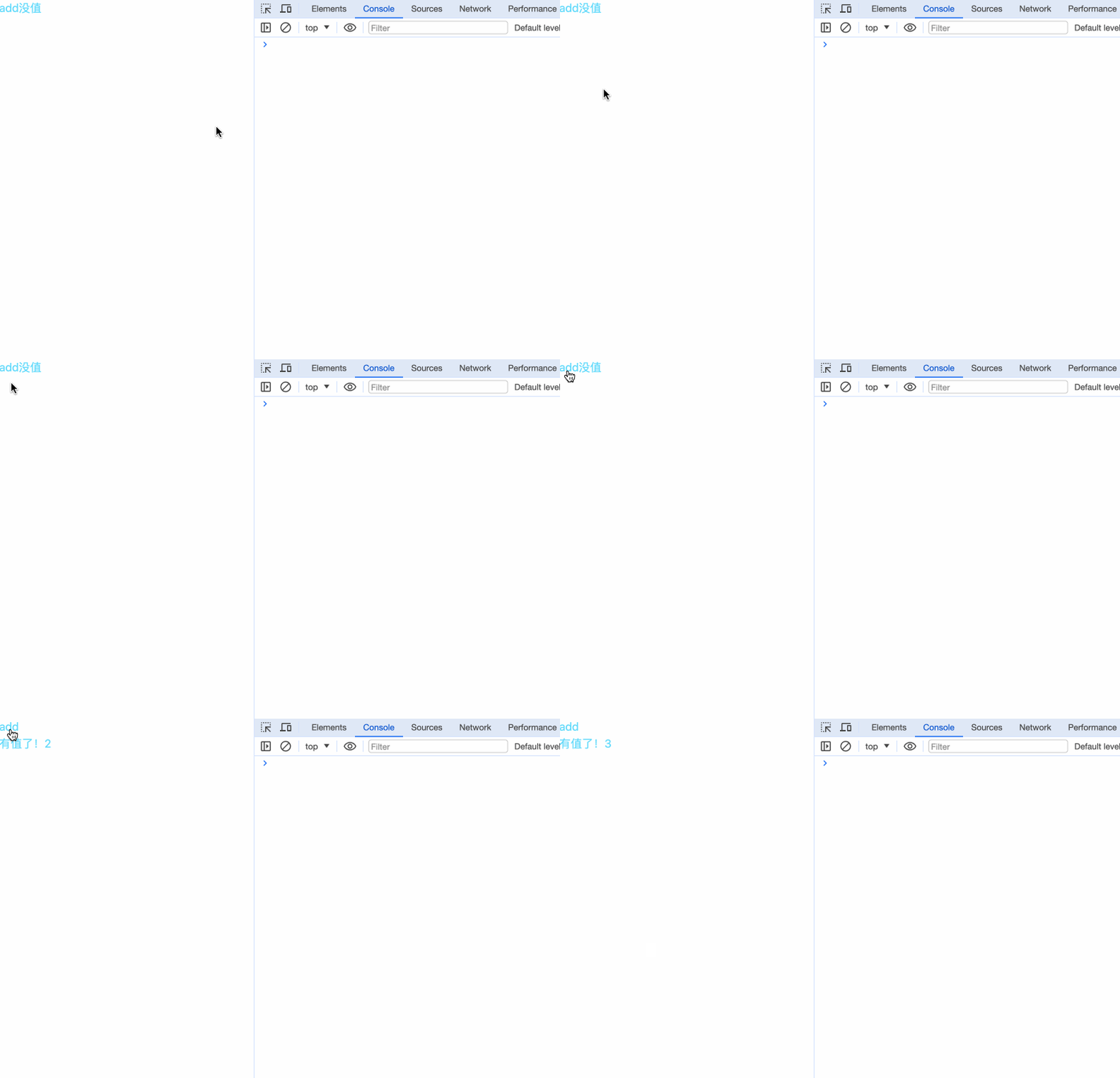
在React中,条件判断在{}中执行,通过三元表达式的判断来显示内容。
{boolean ? 真值内容 : 假值内容}
import { useState } from 'react';

export default function Page() {
  const [count, setCount] = useState(0)
  return (
    <div>
      <button onClick={() => setCount(count + 1)}>add</button>
      {count === 0 ? <span>没值</span> : <h2>有值了!{count}</h2>}
    </div>
  )
}
&&
除了三元表达式? : 外,还能使用二院表达式&&来判断。
boolean && 显示内容
修改上面的例子:
import { useState } from 'react';

export default function Page() {
  const [count, setCount] = useState(0)
  return (
    <div>
      <button onClick={() => setCount(count + 1)}>add</button>
      {count > 0 && <h2>有值了!{count}</h2>}
    </div>
  )
}
这种方式适用需要页面隐藏的情况。
引用
因为React使用的是jsx语法,非常灵活,即使我们无法在{}内用ifelse或switch来判断显示,我们仍有一些委婉的方式来实现。
import { useEffect, useState } from 'react';

export default function Page() {
  const [count, setCount] = useState(0);
  const [component, setComponent] = useState();

  useEffect(() => {
    if (count > 0) {
      setComponent(<h2>有值了!{count}</h2>)
    } else {
      setComponent(<span>没值</span>)
    }
  }, [
    count
  ])

  return (
    <div>
      <button onClick={() => setCount(count + 1)}>add</button>
      {component}
    </div>
  )
}
通过把组件内容设置成一个变量的形式来引用。
Vue
if-else
在Vue中,通过 v-if、v-else-if、v-else来判断内容的展示。
<template>
  <section>
    <button @click="updateCount">add</button> count: {{ count }}
    <div v-if="count >= 0 && count < 2">及格</div>
    <div v-else-if="count >= 2 && count < 4">良好</div>
    <div v-else>优秀</div>
  </section>
</template>

<script>
export default {
  data() {
    return {
      count: 0,
    };
  },
  methods: {
    updateCount() {
      this.count++;
    },
  },
};
</script>
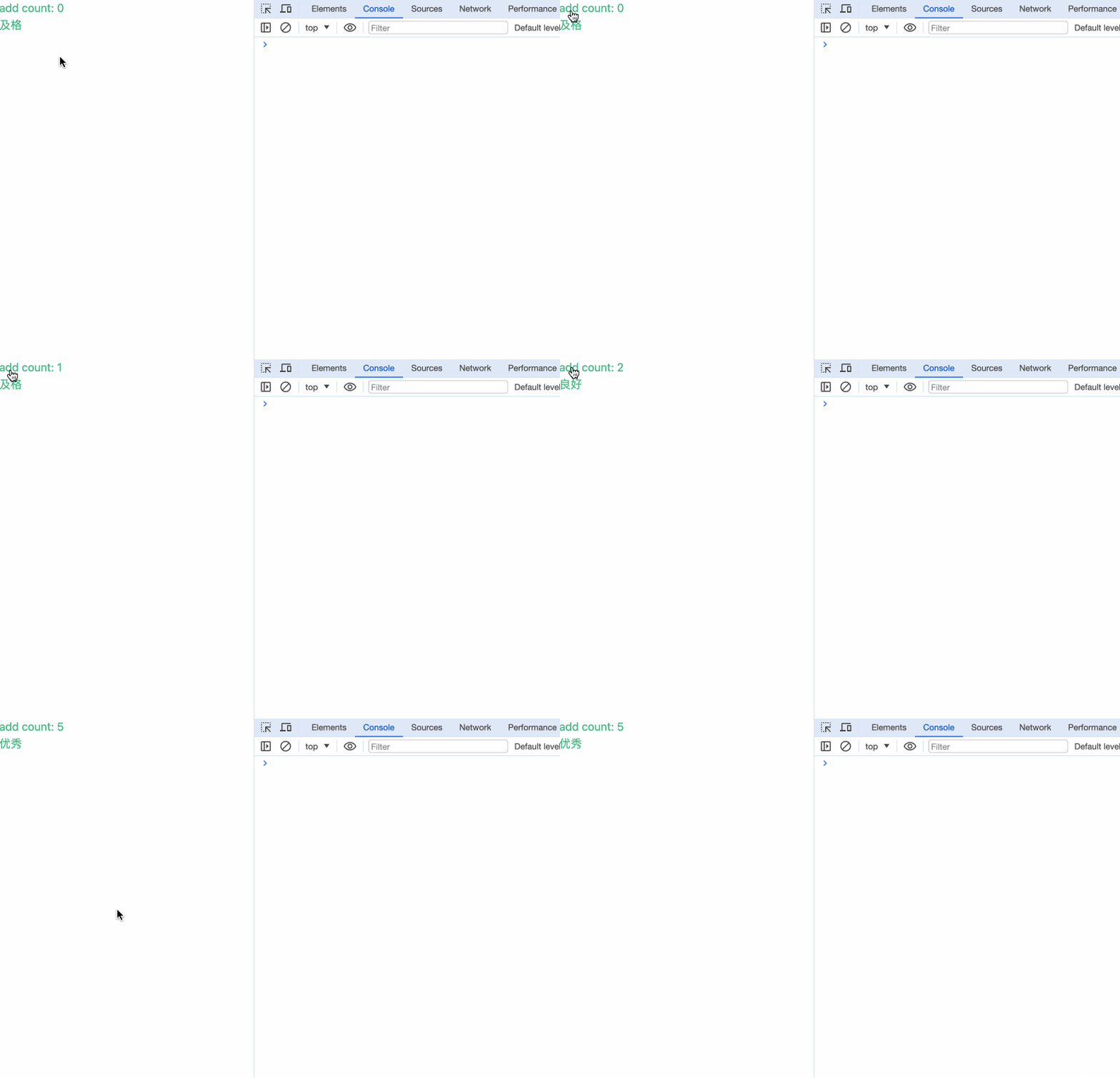
v-if能单独使用,单独使用使用有隐藏内容的情况。需要注意当使用v-else-if和v-else时,需要前置有v-if内容,单独使用其中一个都会报错。
v-show
在Vue中,除了提供v-if来控制内容的显示隐藏,使用v-show同样能控制元素的显示隐藏。
<template>
  <section>
    <input type="checkbox" v-model="checked" />
    <div v-show="checked">显示!!!</div>
  </section>
</template>

<script>
export default {
  data() {
    return {
      checked: false,
    };
  },
};
</script>
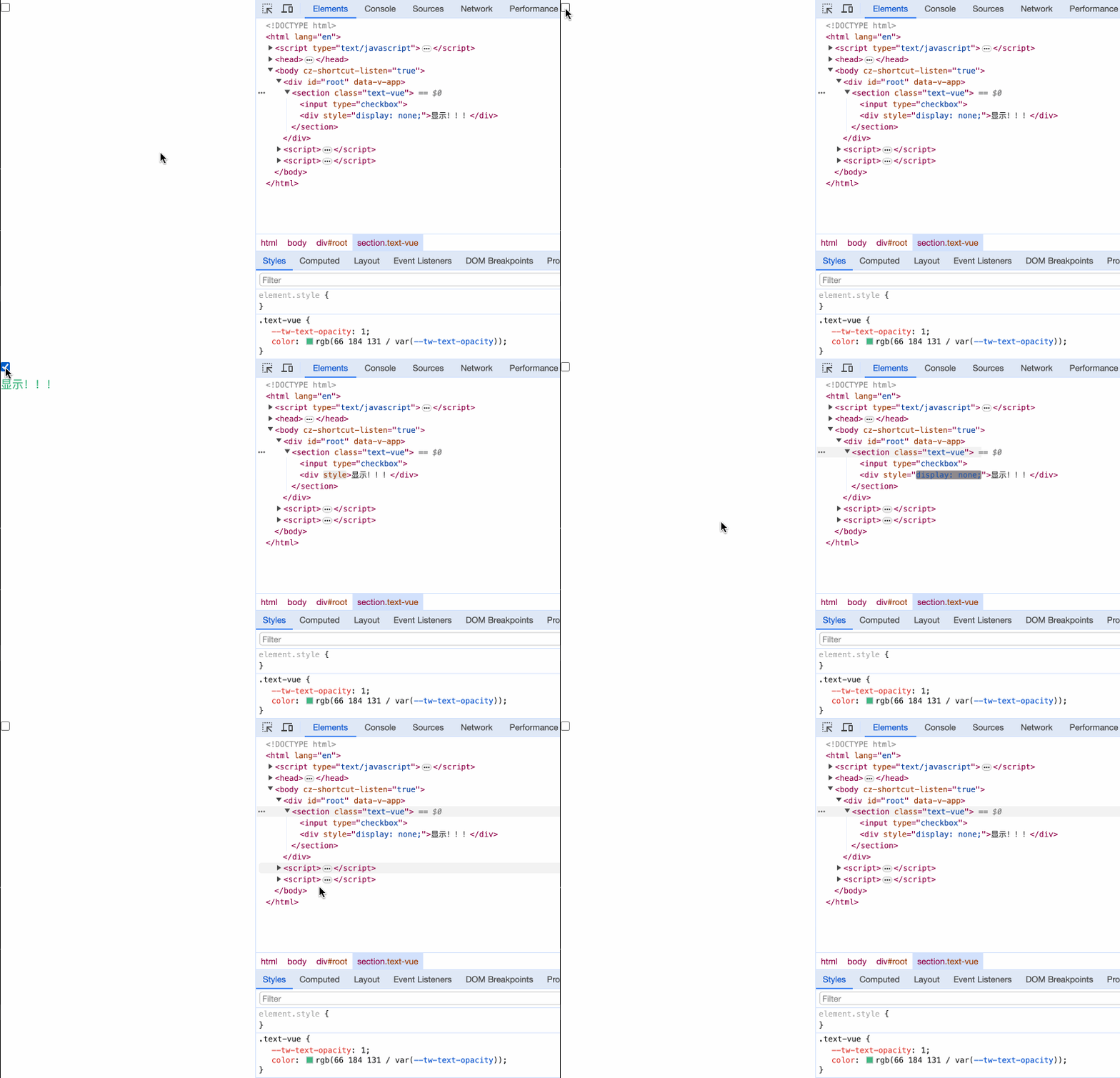
二者的区别在于: v-if指令,是根据表达式值的真假来销毁或者重建一个我们绑定的DOM元素;而v-show指令利用元素的display属性控制着元素的显示隐藏,不管初始条件是什么,元素总是会被渲染。
Svelte
if-else
在Svelte中,通过 {#if}{:else if}{:else}{/if}来判断内容的展示。
<script>
  let count = 0;

  const updateCount = () => {
    count++;
  };
</script>

<button on:click={updateCount}>Add</button>
{count}
{#if count >= 0 && count < 2}
  <div>及格</div>
{:else if count >= 2 && count < 4}
  <div>良好</div>
{:else}
  <div>优秀</div>
{/if}
{:else if}和{:else}是可选的。
小结
本章我们对比了:
- React在
{}中使用三元表达式? :或二元表达式&&来实现内容切换。 - Vue通过
v-if、v-else-if、v-else和v-show来判断内容的展示。 - Svelte通过
{#if}{:else if}{:else}{/if}来判断内容的展示。